You don’t need a massive Hollywood budget to create stunning 3D animations anymore.
Years ago, high-end software like Maya or Cinema 4D was the only way to get professional results. These tools are incredible, but their expensive subscription fees can quickly drain your wallet.
Thankfully, the landscape has changed. You can now access incredibly powerful free 3D animation tools that rival the paid alternatives.
This guide is designed for beginners, students, indie creators, and YouTubers. We will cover the top tools, highlight their best features, and show you exactly how to choose the right one for your next project.
Quick Comparison Table
| Software | Platform | Skill Level | Key Features | Rendering Engine | Best For |
|---|---|---|---|---|---|
| Blender | Win/Mac/Linux | Advanced | Full pipeline, sculpting, nodes | Eevee / Cycles | Full 3D production |
| Daz Studio | Win/Mac | Intermediate | Pre-built assets, morphs | Iray | Character rendering |
| Mixamo | Web | Beginner | AI rigging, motion capture | Real-time | Quick character animation |
| OpenToonz | Win/Mac/Linux | Intermediate | 2D/3D hybrid, node effects | Internal | 2D/3D hybrid projects |
| Clara.io | Web | Beginner | Cloud-based, no install | V-Ray | Browser-based teamwork |
| SketchUp Free | Web | Beginner | Easy UI, push/pull tools | Internal web | Architectural mockups |
| K-3D | Win/Mac/Linux | Beginner | Node-based, undo/redo tree | RenderMan | Basic mechanical animation |
Best Free 3D Animation Software (Top Picks)
1. Blender – Best Overall Free 3D Animation Software
Blender is an absolute open-source powerhouse. It offers a complete production pipeline, meaning you can model, rig, animate, and render all in one program.
With major updates arriving in 2026, Blender continues to push the boundaries of what free software can do. It even features industry-standard rendering engines like Cycles and Eevee.
Pros:
- Entirely free forever with no hidden paywalls.
- Massive, highly supportive online community.
- Rivals expensive professional software.
Cons:
- The interface can feel overwhelming at first.
- Requires a fairly powerful computer for complex scenes.
Best for: Indie creators and pros wanting a complete, all-in-one 3D suite.
👉 Download Blender
2. Daz Studio – Best for Character Animation
Building a 3D character from scratch takes a ton of time. Daz Studio skips that hassle by giving you a massive library of pre-built human figures, clothing, and props.
You simply load a base model, tweak their face and body with sliders, and start animating. It is a fantastic shortcut for storytellers who want to focus on directing rather than modeling.
Pros:
- Extremely fast character creation.
- Photo-realistic rendering with the Iray engine.
- Great marketplace for additional assets.
Cons:
- Advanced animations can feel a bit clunky.
- Many high-quality assets cost extra money.
Best for: Creators who want to animate realistic humans quickly.
👉 Download Daz Studio
3. Mixamo – Best for Auto-Rigging Animations
Mixamo (owned by Adobe) is a web-based tool that feels like magic. If you have a 3D character model, you simply upload it to the site and place a few markers on the joints.
The AI automatically rigs your character with a full skeleton. From there, you can apply thousands of pre-made motion capture animations with a single click.
Pros:
- Saves hours of tedious manual rigging.
- Thousands of free motion capture animations.
- Runs entirely in your web browser.
Cons:
- You cannot create custom animations from scratch.
- Limited to human-shaped characters.
Best for: Game developers and beginners needing quick character movements.
👉 Try Mixamo
4. OpenToonz – Best for 2D/3D Hybrid Animation
Famous for being used by Studio Ghibli, OpenToonz is primarily a 2D animation tool. However, it handles 2D/3D hybrid workflows beautifully.
You can easily combine flat illustrations with 3D elements to create dynamic, layered scenes. It has a unique node-based workflow that gives you deep control over visual effects.
Pros:
- Professional-grade tool used by major studios.
- Excellent for blending 2D and 3D art styles.
- Open-source and highly customizable.
Cons:
- The learning curve is quite steep.
- The user interface feels a bit dated.
Best for: Traditional animators wanting to experiment with 3D space.
👉 [Download OpenToonz]
5. Clara.io – Best Browser-Based 3D Animation Tool
Don’t want to download massive installation files? Clara.io runs entirely in the cloud.
It provides surprisingly robust 3D modeling and basic animation tools right inside your web browser. Because it lives in the cloud, multiple people can collaborate on the same 3D scene at the same time.
Pros:
- No installation or powerful hardware required.
- Great for remote team collaboration.
- Easy to share projects via a simple web link.
Cons:
- Requires a stable, fast internet connection.
- Lacks the advanced physics tools found in desktop software.
Best for: Students and teams who want to build basic 3D scenes online.
👉 [Try Clara.io]
6. SketchUp Free – Best for Simple 3D Modeling
SketchUp Free is legendary for its intuitive “push and pull” modeling style. It is technically more focused on architectural design than complex character animation.
However, it allows you to easily create basic 3D walk-throughs and camera flyovers. It is the perfect starting point if you want to visualize a room, building, or simple object.
Pros:
- Extremely beginner-friendly interface.
- Great for rigid objects and buildings.
- Huge library of free user-created models.
Cons:
- Animation features are very limited (mostly just camera moves).
- The free version is web-only.
Best for: Beginners designing buildings, furniture, or basic sets.
👉 [Try SketchUp Free]
7. K-3D – Best Lightweight 3D Animation Software
K-3D uses a highly flexible node-based architecture. This means you can connect different tools and modifiers visually, making it easy to track your workflow.
It is designed to be lightweight and fast. The software features an advanced undo/redo tree, meaning you never have to worry about making a mistake you can’t fix.
Pros:
- Runs well on older or less powerful computers.
- Very flexible plugin-based architecture.
- Excellent visual undo/redo system.
Cons:
- The interface lacks modern polish.
- Smaller community means fewer tutorials.
Best for: Users on older hardware working on basic mechanical animations.
👉 [Download K-3D]
What Is 3D Animation Software?
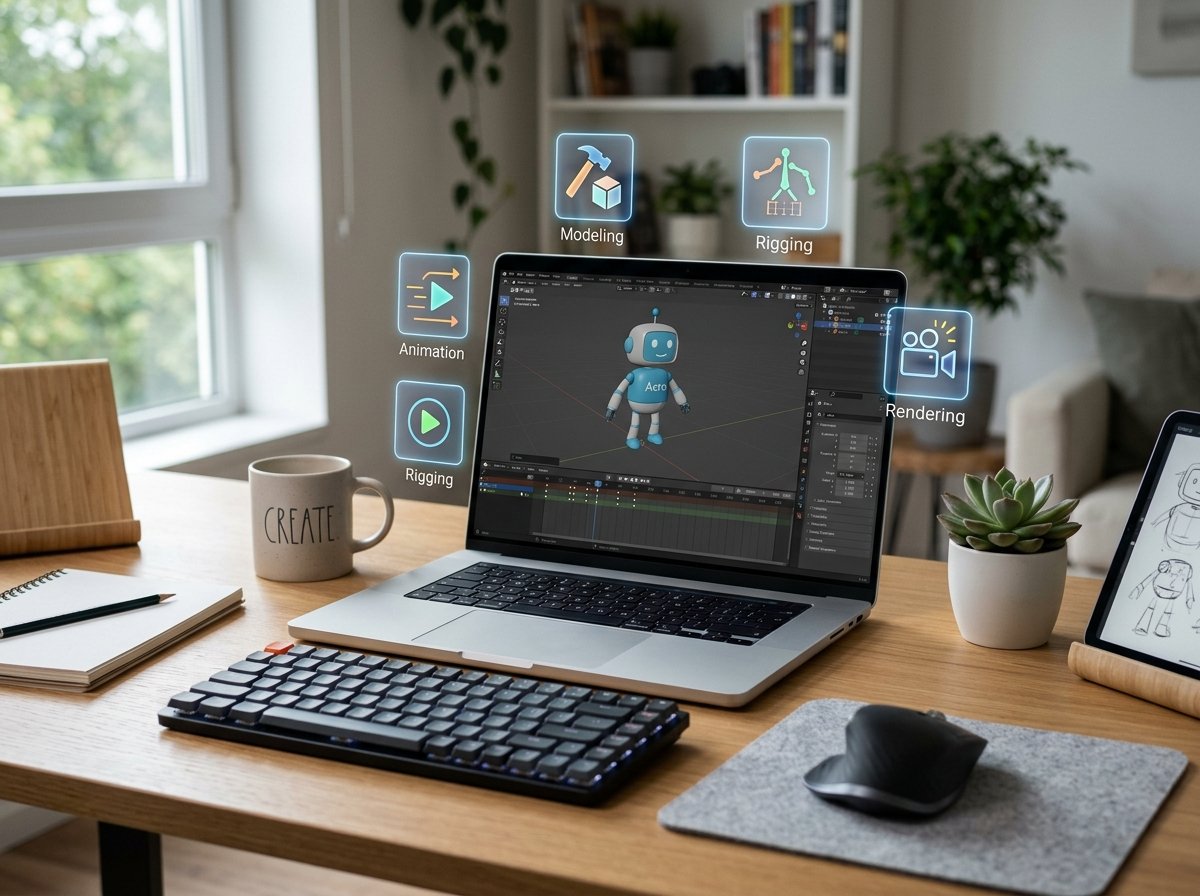
3D animation software lets you build, move, and film digital objects inside a virtual environment. Think of it like playing with highly advanced digital clay.
To turn that clay into a movie, the software typically handles four main jobs:
- Modeling: Shaping the 3D object from scratch.
- Rigging: Adding a digital skeleton so the object can bend and move.
- Animation: Setting keyframes to move that skeleton over time.
- Rendering: Calculating the lighting and textures to output the final video.
Free vs Paid 3D Animation Software
| Feature | Free Software | Paid Software |
|---|---|---|
| Cost | Completely free | Very expensive (often monthly subscriptions) |
| Features | Ranges from basic to advanced | Full industry-standard toolsets |
| Support | Rely on community forums | Official customer support |
Best Free 3D Animation Software by Use Case
Best for Beginners
Mixamo and SketchUp Free are excellent starting points. They strip away the confusing technical menus and let you see results almost instantly.
Best for Professionals
Blender stands entirely alone here. It is used by independent studios worldwide to create feature-length films and high-end visual effects.
Best for Character Animation
Daz Studio gives you the most realistic results with the least amount of effort. Pair it with Mixamo for an incredibly fast character workflow.
Best for Game Development
Blender integrates flawlessly with game engines like Unity and Unreal Engine 5. It is the undisputed champion for indie game devs.
Best Browser-Based Tools
Clara.io and SketchUp Free let you work from anywhere. They are perfect for Chromebook users or those without dedicated graphics cards.
How to Choose the Right Software
Skill Level
Are you just starting out? Stick to tools with simple interfaces like Mixamo. If you already understand the basics, dive straight into Blender.
System Requirements
Check your computer specs. Browser-based tools work on almost anything, while heavy desktop software requires dedicated graphics cards.
Features Needed
Define your goal early. If you want to build houses, SketchUp is best. If you want a walking, talking character, look at Daz Studio.
Learning Curve
Be honest about how much time you have. Mastering Blender can take months, whereas you can figure out Mixamo in an afternoon.
Community Support
A large community means more YouTube tutorials and active Reddit forums. This is crucial when you inevitably get stuck on a technical problem.
System Requirements for 3D Animation
Doing 3D work demands a lot from your computer. Your CPU and GPU work together to calculate complex lighting, shadows, and physics in real time.
For a smooth experience in 2026, aim for a modern multi-core processor and a strong dedicated graphics card (like an RTX 40 or 50 series).
RAM is also incredibly important. You should have an absolute minimum of 16GB of RAM, though 32GB is highly recommended for complex animation files. Finally, install your software on a fast NVMe SSD so your large project files load quickly.
Pros and Cons of Free 3D Animation Software
✅ Pros:
- No financial risk if you decide 3D animation isn’t for you.
- Perfect environment for learning the core concepts of 3D space.
- Passionate, active communities that love helping newcomers.
❌ Cons:
- Some free tools have a much steeper learning curve.
- You won’t get dedicated customer service if the software crashes.
- A few tools restrict exporting high-resolution files unless you pay.
FAQs
What is the best free 3D animation software?
Blender is widely considered the best free 3D animation software. It offers professional-grade tools for modeling, rigging, animation, and rendering.
Is Blender really free?
Yes, Blender is 100% free and open-source. You can use it for personal projects, freelance work, and even commercial feature films without paying a dime.
Can I make professional animations with free tools?
Absolutely. Many indie game studios and freelance animators rely entirely on Blender to create commercial products.
Which software is best for beginners?
Mixamo is the best tool for beginners wanting to animate characters. For simple object modeling, SketchUp Free offers the gentlest learning curve.
Do I need a powerful PC for 3D animation?
For installed software like Blender, yes. You need a dedicated GPU and plenty of RAM. If you have a weak PC, stick to web-based tools like Clara.io.
Final Verdict – Which One Should You Choose?
If you want the best overall tool and are willing to learn, download Blender. It is the only software on this list that can carry you from absolute beginner to seasoned professional.
If you are a beginner who just wants to see a character move right now, use Mixamo. It is fast, fun, and highly encouraging.
Need to mock up a quick project or room layout? SketchUp Free is the fastest way to turn a 2D idea into a 3D space.
Start creating 3D animations today for free
Ready to bring your imagination to life? Choose the tool that fits your current skill level and dive right in.